
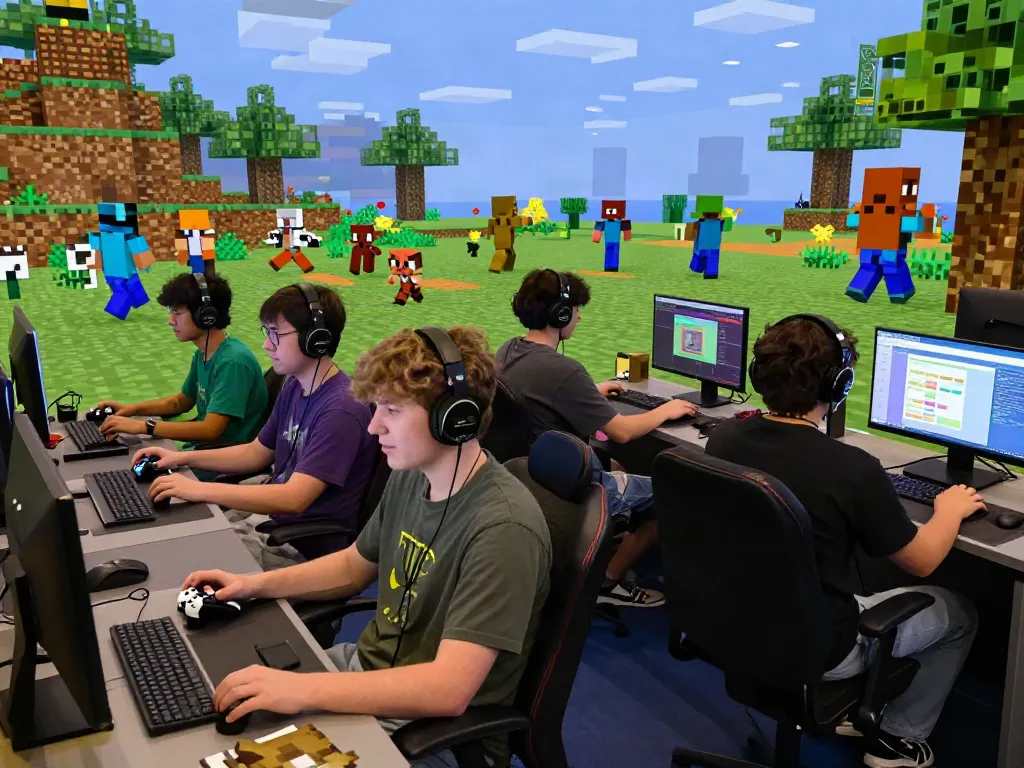
Understanding the Minecraft Server List
In the vibrant world of Minecraft, players seek unique experiences and communities that enhance their gameplay. A Minecraft server list serves as a crucial resource, providing players with a comprehensive overview of available servers, allowing them to explore various gamemodes, styles, and communities. But what exactly is a Minecraft server list, and how can players effectively navigate these resources to find their ideal server?
What is a Minecraft Server List?
A Minecraft server list is a curated platform that showcases various multiplayer servers where players can connect and engage with others. These lists categorize servers based on different criteria such as popularity, game modes, and player votes. They are essential for players who want to join games that align with their interests, whether it’s survival mode, creative building, or competitive PvP.
Key Features of a Minecraft Server List
- Search Filters: Players can filter servers based on various parameters like gamemode, version compatibility, and geographical location.
- Player Votes: Many lists rank servers based on the number of votes they receive, providing insights into the most popular servers.
- Server Descriptions: Each server typically has a description that outlines features, rules, and gameplay elements, helping players make informed decisions.
- Active Player Counts: This feature shows how many players are currently online, indicating the server's popularity at any given moment.
How to Navigate the Server List Effectively
To get the most out of a Minecraft server list, players should take advantage of the search filters and read through server descriptions carefully. Look for keywords that resonate with your preferred playstyle and don’t hesitate to explore rankings and player reviews for additional insights. Additionally, being aware of the server's activity level can help you choose a thriving community to join.
Choosing the Right Minecraft Server for Your Playstyle
Every player has a unique playstyle, and finding a server that caters to it is essential for an enjoyable experience. Different gamemodes provide varying levels of challenge and engagement, and understanding these can significantly enhance your Minecraft journey.
Popular Gamemodes Explained
Here’s a breakdown of some of the most popular Minecraft gamemodes you’ll encounter:
- Survival: Players must gather resources, manage health, and build shelters while facing mobs and the environment.
- Creative: This mode offers unlimited resources, allowing players to build freely without survival constraints.
- Skyblock: Players start on a small floating island with minimal resources and must expand their world creatively.
- Factions: Players form or join factions, engaging in territory wars and resource competition.
- Hardcore: A challenging survival mode where death results in permanent loss, appealing to hardcore gamers.
Identifying Your Preferred Playstyle
To find the right server, reflect on your gameplay preferences:
- Do you prefer cooperative or competitive gameplay?
- Are you looking for a relaxed building experience or intense survival challenges?
- What kind of community interaction do you seek?
How to Filter and Sort Servers
Using filters and sorting options on the server list can help streamline your search. By selecting categories that match your interests, such as “Survival” or “Mini-Games,” you’ll quickly find servers that fit your desired experience. Pay attention to recent player activity and user reviews, as these can provide valuable insights into the server’s community and reliability.
Joining a Minecraft Server: A Step-by-Step Guide
Once you’ve found the perfect server, the next step is connecting to it. Here’s how to do that seamlessly, allowing you to jump right into the adventure.
Creating Your Minecraft Account
If you haven’t already, you’ll need to create a Minecraft account. This process is straightforward and typically involves visiting the official Minecraft website, choosing your edition (Java or Bedrock), and following the registration prompts. Ensure your account is secure and set up with any necessary payment options if you're opting for a premium server.
Connecting to a Server
To join a server, launch Minecraft and navigate to the “Multiplayer” menu. Click “Add Server,” then input the server’s IP address or name as provided on the server list. After saving, click on the server name to connect. Wait for the server to load, and you’ll be welcomed into the community.
Troubleshooting Common Connection Issues
If you experience connection problems, there are a few steps to troubleshoot:
- Check if the server is online and reachable.
- Ensure you are using the correct IP address.
- Verify your game version matches the server’s version.
- Restart Minecraft and your internet connection if necessary.
Maximizing Your Experience on Minecraft Servers
Finding a server is just the beginning. To truly enjoy your time in Minecraft, consider how to engage with the community and utilize the server’s features effectively.
Utilizing Vote Rewards Effectively
Many servers offer vote rewards to encourage community participation. By voting for your server on listed platforms, you can earn in-game currency, items, or exclusive access to certain features. Be sure to check the server’s voting policy and take part regularly to maximize your rewards.
Engaging with the Server Community
Building relationships within the server community can enhance your gaming experience. Participate in events, join online forums, and be active in chats. This engagement can lead to collaborations in building projects, participating in server events, or simply making new friends.
Best Practices for Server Etiquette
Being a respectful player is key to a positive server experience:
- Always follow the server rules.
- Be polite and considerate in chats.
- Avoid cheating or exploiting game mechanics.
- Help new players get acclimated to the server.
Future Trends in Minecraft Server Lists for 2026
As Minecraft continues to evolve, so do its servers and the way players interact with them. Here’s what to expect in the coming years.
Emerging Gamemodes and Features
In 2026, new gamemodes are likely to emerge, further diversifying the Minecraft experience. Expect innovations in role-playing servers, custom adventure maps, and perhaps even competitive esports-style arenas. These developments will cater to a broader audience, attracting various playstyles and preferences.
The Rise of Crossplay Servers
With the increasing popularity of crossplay capabilities, players will find themselves able to join friends regardless of platform. This trend will foster larger communities and reduce the boundaries between Java and Bedrock players, providing a more unified Minecraft experience.
How Player Preferences May Shift
As trends shift, player preferences are likely to evolve. A growing demand for immersive experiences and community-driven events may lead servers to focus on interactive storytelling or collaborative gameplays, enhancing community bonds and game engagement.